Before you upload
Preparing your design photo
Two minutes with your photo saves a wasted generation. The AI copies exactly what you give it.
The rules
- Only the fabric in the frame. No floor, table, hangers, hands or feet, because the AI treats everything in the photo as part of your garment.
- Flat or hanging straight, photographed square-on, not at an angle.
- Even, natural light. No filters, because a colour cast in the photo becomes a colour cast in every output.
- Use the original photo, never an earlier AI output.
Cropping
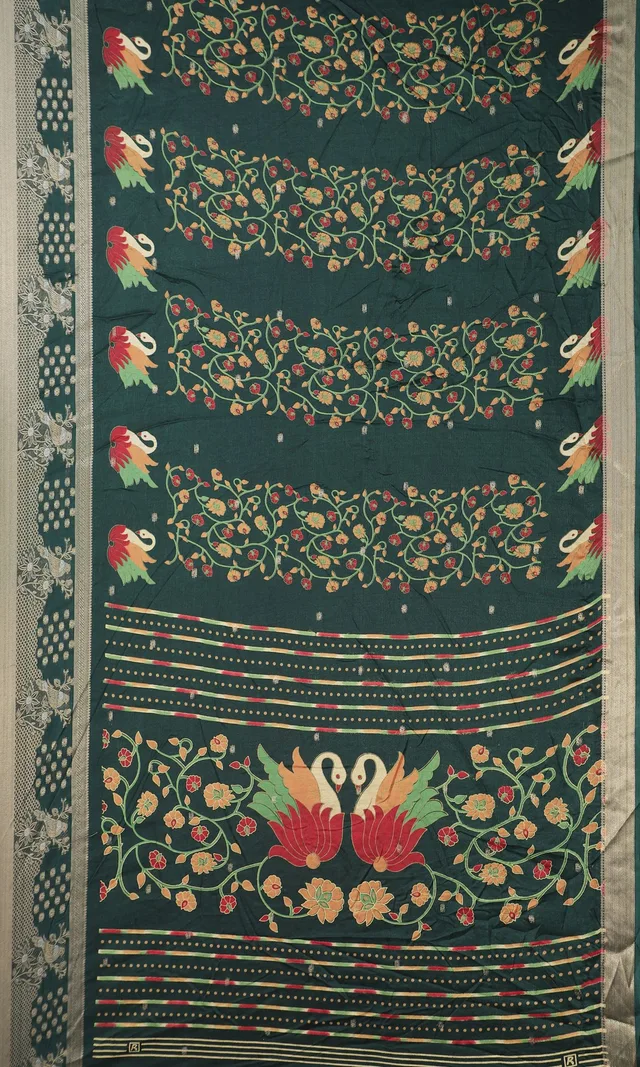
Crop before you upload, or tap Edit on any uploaded photo to crop inside the app. A well-cropped saree photo looks like this:
Why it matters: the draping preview
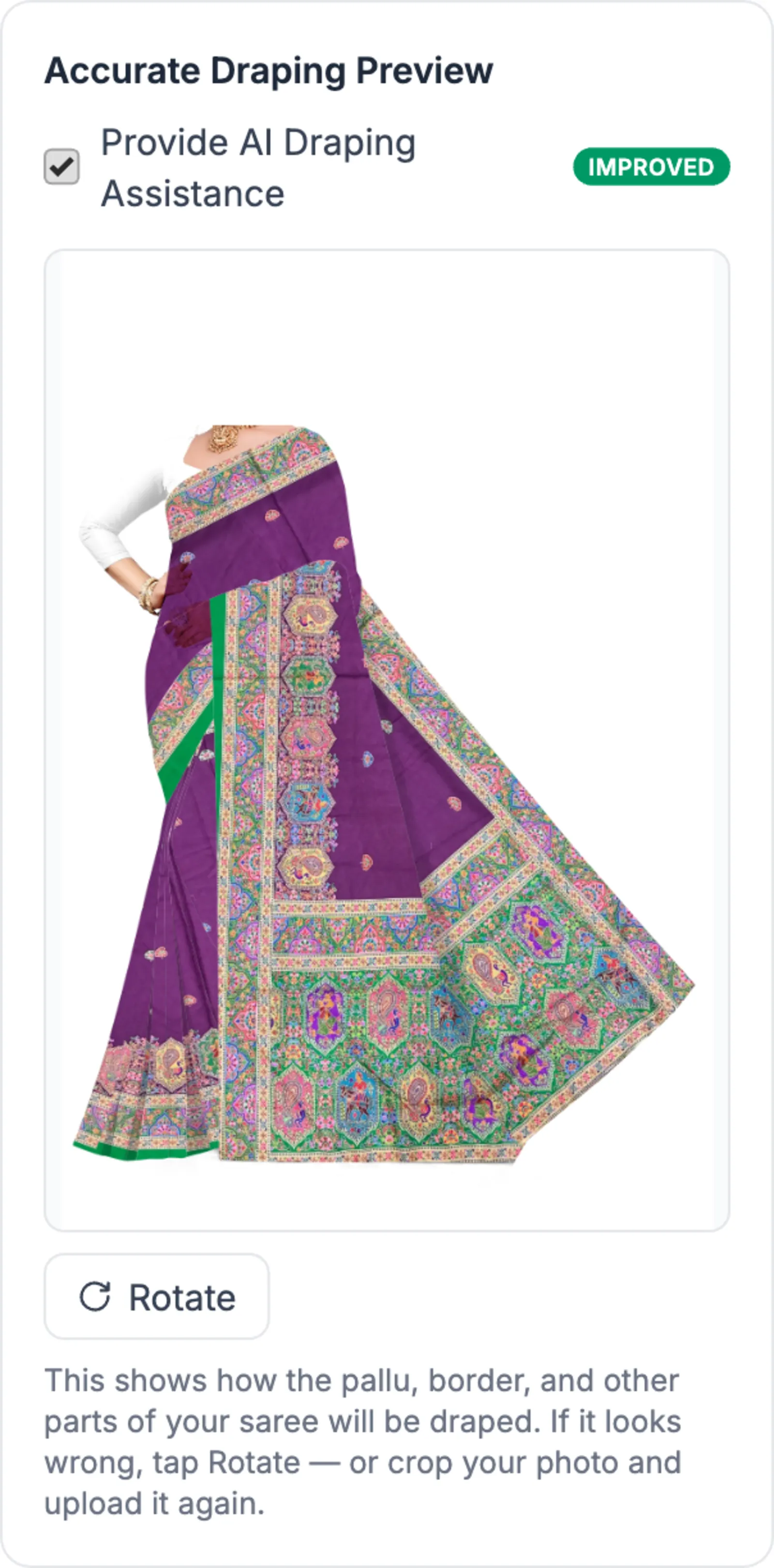
For sarees, your photo is used to build the draping guide. Anything around the fabric, like floor or feet, gets draped too and shows up as pale patches. A cropped photo gives a clean drape:
All of this is about the photo you feed in. Working on a saree photo you already have is the other half of the job, and saree photo editing with AI walks through that workflow.