Guide · Kurti / Kurta
Kurti & men's kurta guide
One garment, one photo, with an optional bottom.
1
Choose the garment and upload
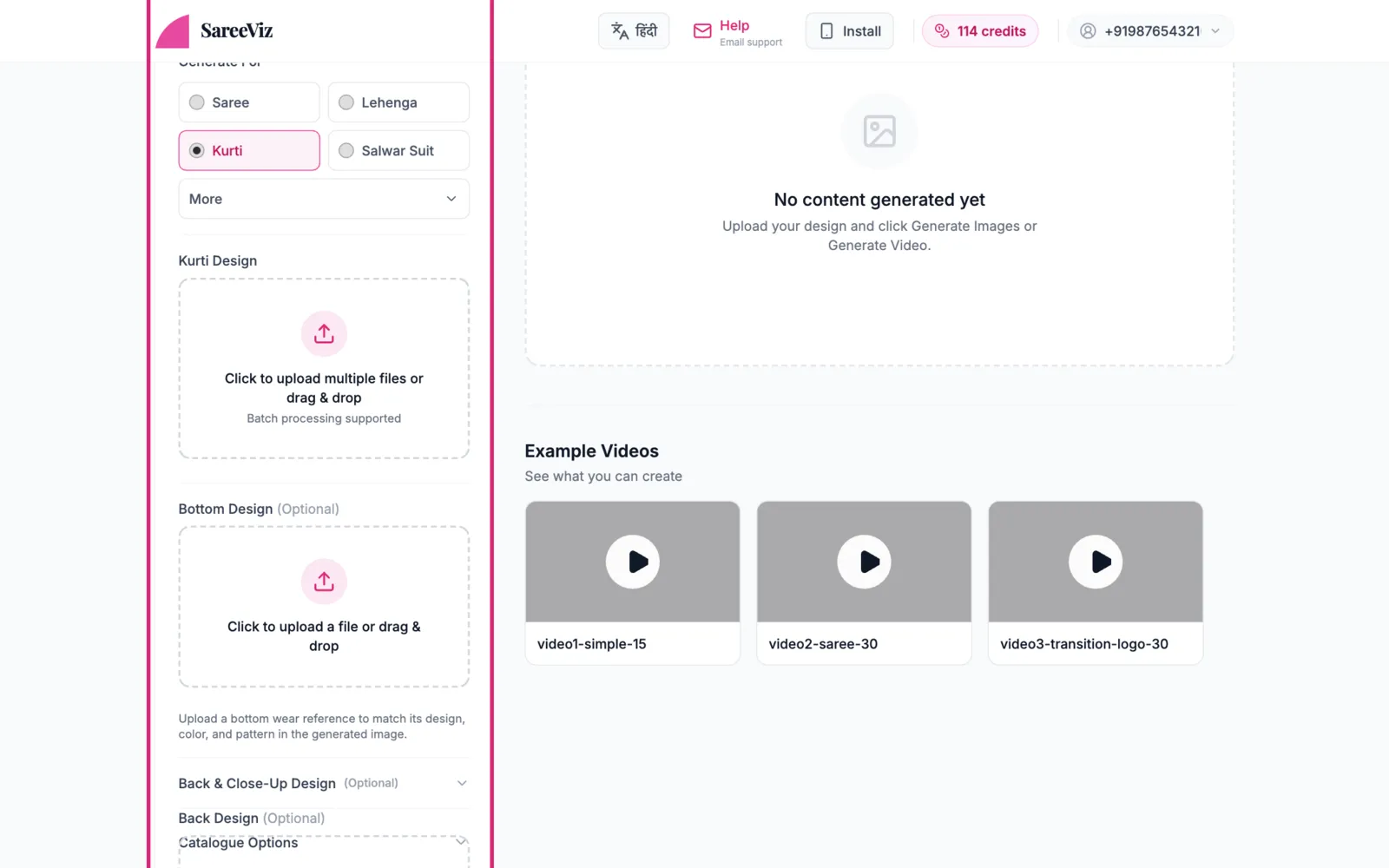
Pick Kurti (or Man’s Kurta under More). Add your photo in the design slot. Several at once is fine, and each becomes its own photoshoot.
2
Bottom and backoptional
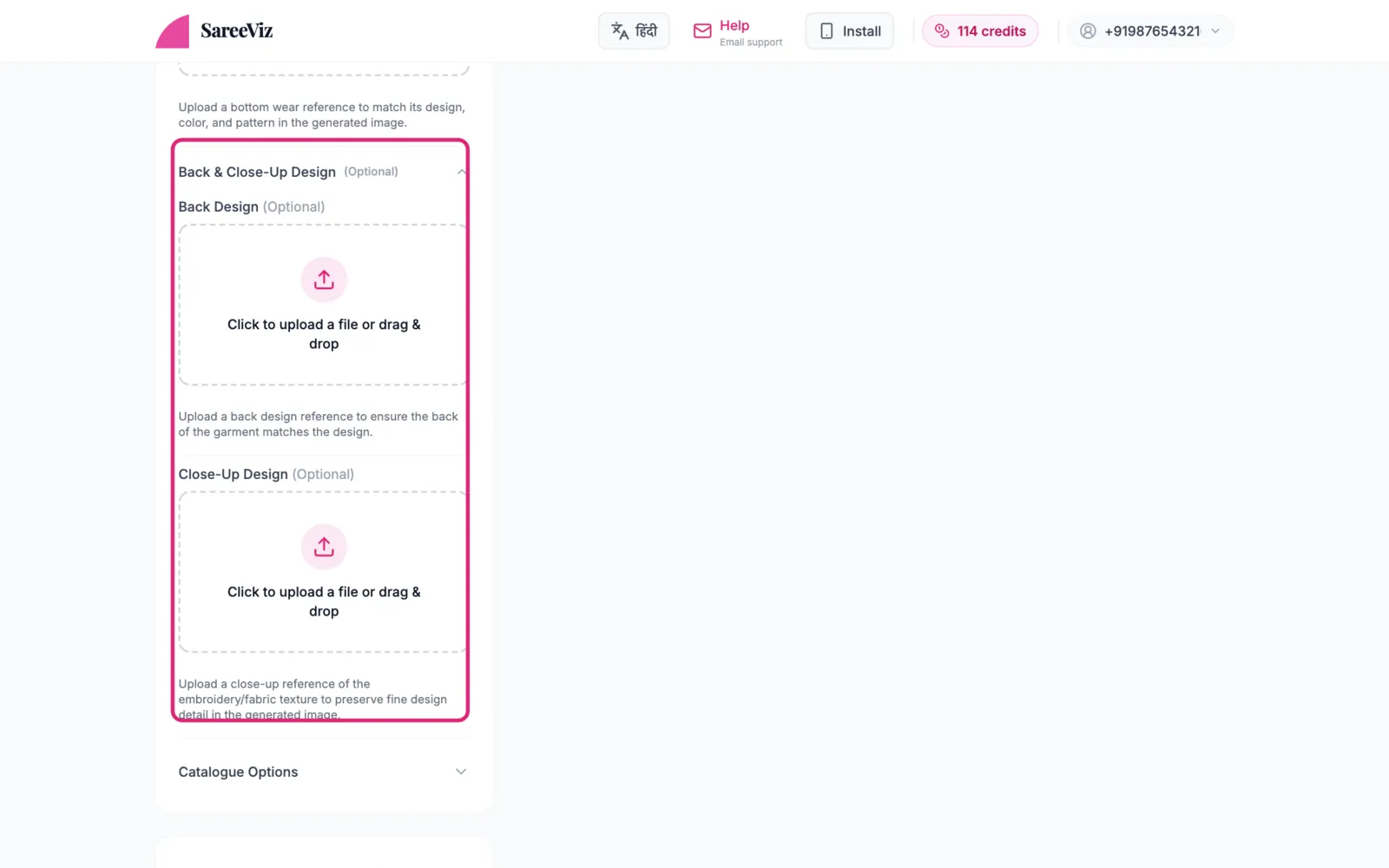
Bottom Design controls only the bottom wear. Back & Close-Up Design opens for pieces with back work or fine detail worth preserving.
Making a back pose? Open Back & Close-Up Design, upload only the back photo in Back Design and leave the main slot empty. With the front photo in as well, the AI can copy front details onto the back.
3
Everything else
Model, background & pose · Settings · Branding