Guide · Salwar suit
Salwar suit photoshoot guide
Kameez, salwar and dupatta each have their own slot, plus sleeve and back design if you need them.
What you need
- A photo of the top / kameez (required)
- Optional: bottom/salwar photo, dupatta photo, sleeve design, back design
Choose “Salwar Suit” and upload the top
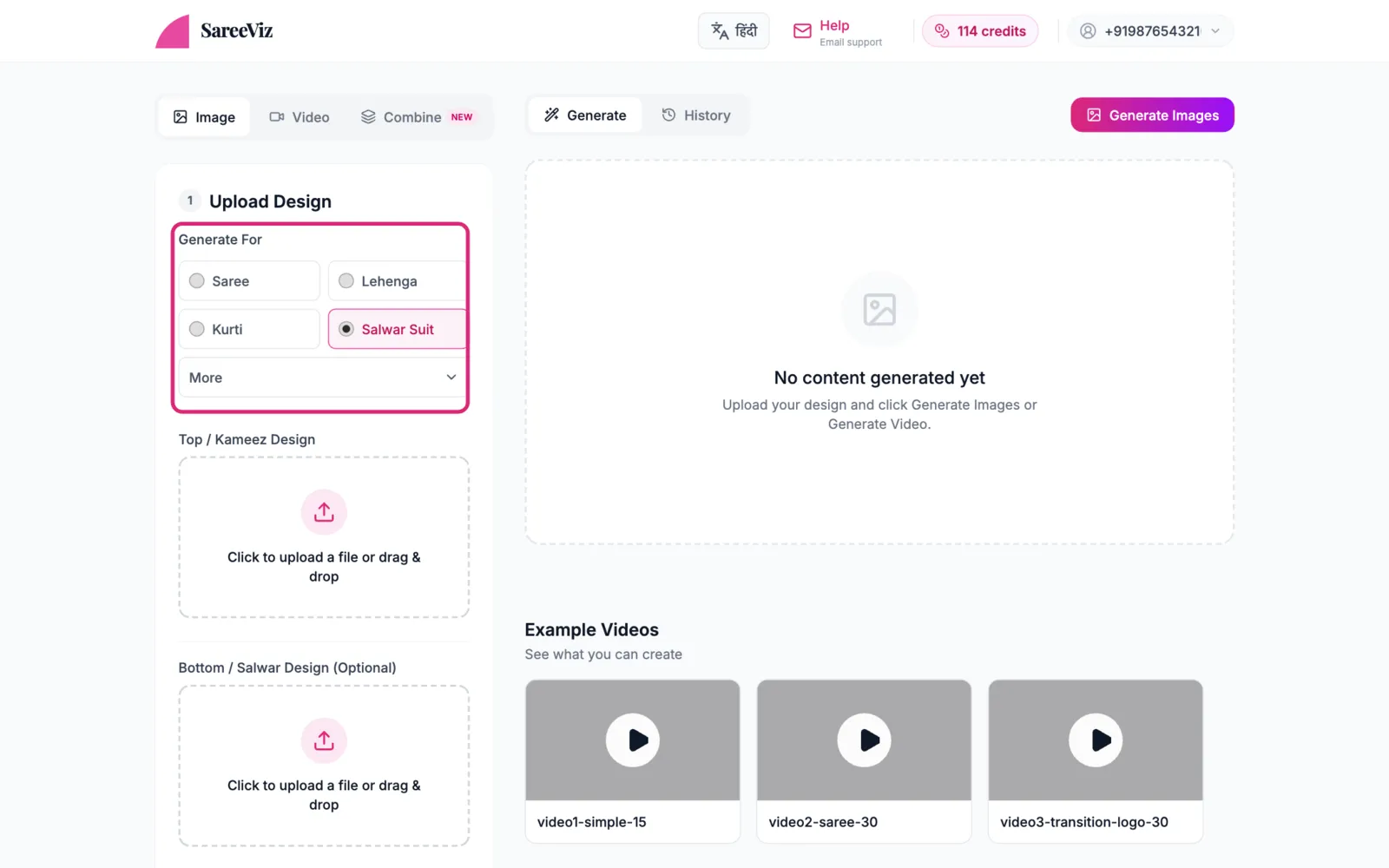
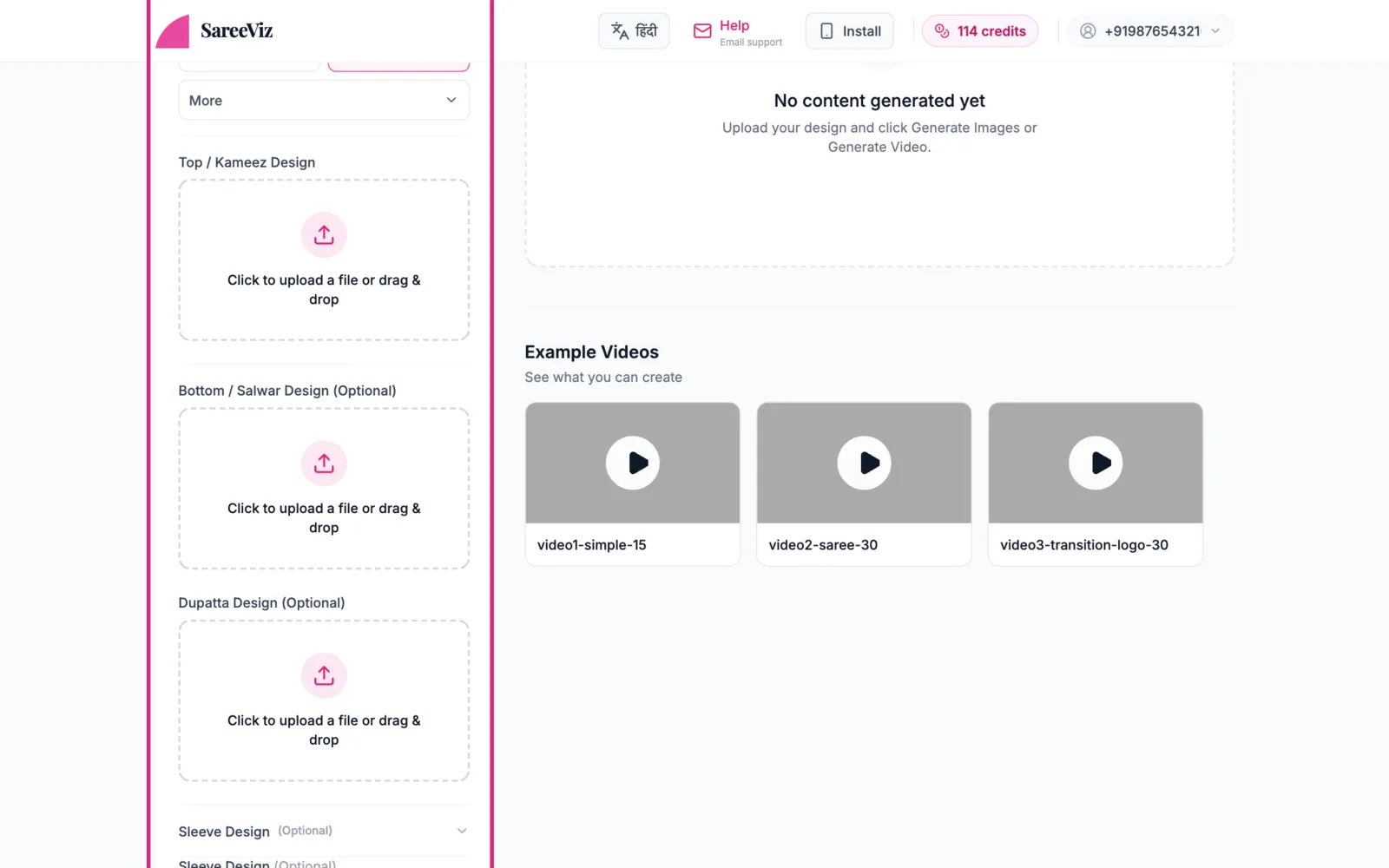
Pick Salwar Suit under Generate For. Top / Kameez Design is the main slot; Bottom / Salwar Design and Dupatta Design sit right below it. Fill only the ones your suit needs.
Sleeve and back designoptional
Below the main slots, Sleeve Design and Back & Close-Up Design open up for suits where the sleeves or the back carry their own work.
Making a back pose? Open Back & Close-Up Design, upload only the back photo in Back Design and leave the main slot empty. With the front photo in as well, the AI can copy front details onto the back.
Everything else
Model, background & pose · Settings · Branding
Full-set photo in the kameez slot
A photo of the whole suit laid out together (top + bottom + dupatta) in the Top slot mixes all three fabrics. Crop each piece into its own slot.