Guide · More garments
Stole, innerwear & bottomwear
One photo is usually enough. Innerwear adds a slot for the second piece of the set.
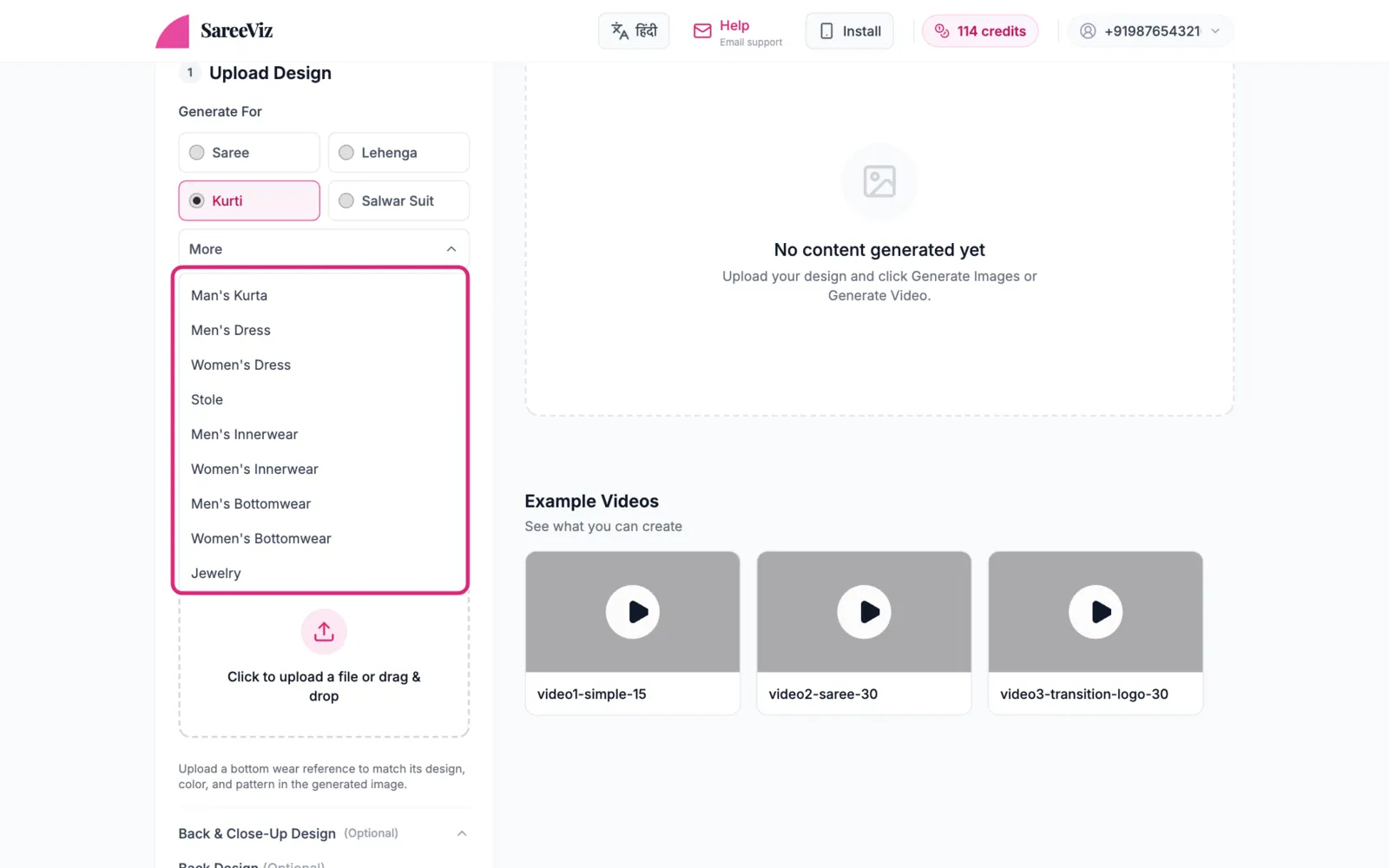
Find your garment under More
Tap More in Generate For to find Stole, Men’s / Women’s Innerwear and Men’s / Women’s Bottomwear.
Upload and generate
One clear, tightly-cropped photo in the design slot is usually all these need. Several designs at once is supported, and each becomes its own photoshoot. Below it are optional extras:
- Stole: Close-Up Design, for fine texture
- Innerwear: Bottom Design (step 3), plus Back & Close-Up Design
- Bottomwear: Back & Close-Up Design, and a Bottomwear Style dropdown under AI Instructions: Track Pant (the default), Lower or Jeans
Innerwear: the second piece
Innerwear is sold as a set, so it has a Bottom Design slot of its own. Upload the vest and the brief, or the bra and the panty, and both are worn together by the same model, each keeping the colour and design of its own photo.
Upload only the top piece and the rest of the outfit is plain and unbranded. A vest or camisole is worn with plain dark trousers, briefs or trunks with a plain white top, and a bra with plain briefs in the bra’s own colour.
The full method, with worked examples: AI innerwear and lingerie photography.
Innerwear on a marketplace
Innerwear and bottomwear can both use the marketplace presets. Innerwear gets three views, front, side and back, and on Amazon it comes out square. Bottomwear gets the same set as other clothing. Stoles do not have presets yet.
Everything else
Model, background & pose · Settings · Branding