Marketplace guide
Amazon clothing image requirements, and photos that follow them
What Amazon asks for in clothing photos, and the full set SareeViz makes when you pick Amazon.
In short: Amazon clothing photos should be at least 1,500 px on the longest side (1,001 px is the floor for zoom), with the main photo on pure white, the product filling at least 85% of the frame, adult clothing on a standing model, and 5 to 7 photos per product.
What Amazon asks for
| Amazon | |
|---|---|
| Main photo | A pure white background (RGB 255, 255, 255), with the product filling at least 85% of the frame |
| Model | Adult clothing on a standing model; no kneeling, leaning or lying down |
| Photos per product | 5 to 7, including a back view and a close-up |
| Props, text and logos | None on the main photo |
| AI-generated models | Tag the file with the keyword contains-synthetic-performer in its XMP metadata |
| Size and format | At least 1,500 px on the longest side; 1,001 px is the floor for zoom; JPEG preferred |
From Amazon’s fashion imaging guide for sellers, and its image requirements as published in Fynd’s listing documentation.
To make a photo 1500 x 2000 with a pure white border, use our free image resizer. It runs in your browser.
Background not pure white? Our free white background tool cuts the product out and puts it on RGB 255, 255, 255, at 1500 x 2000 if you want.
Amazon is the only one of the four that publishes an image rule for intimates. It recommends a square photo for underwear and crops bras above the navel, so innerwear on the Amazon preset comes out square rather than 3:4.
More on selling clothing on Amazon with these photos: Amazon product photography.
The Amazon set SareeViz makes
One saree photo in, five photos out: the same model in every shot, on a pure white studio background.
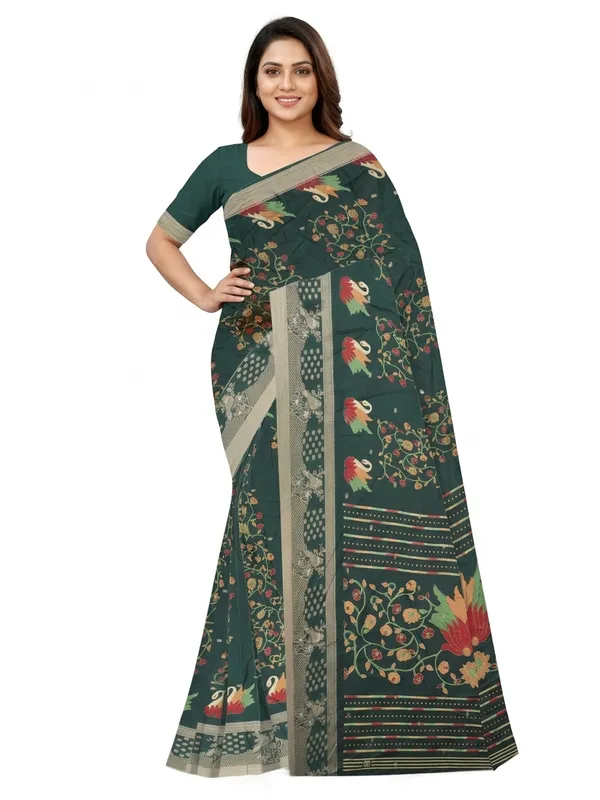
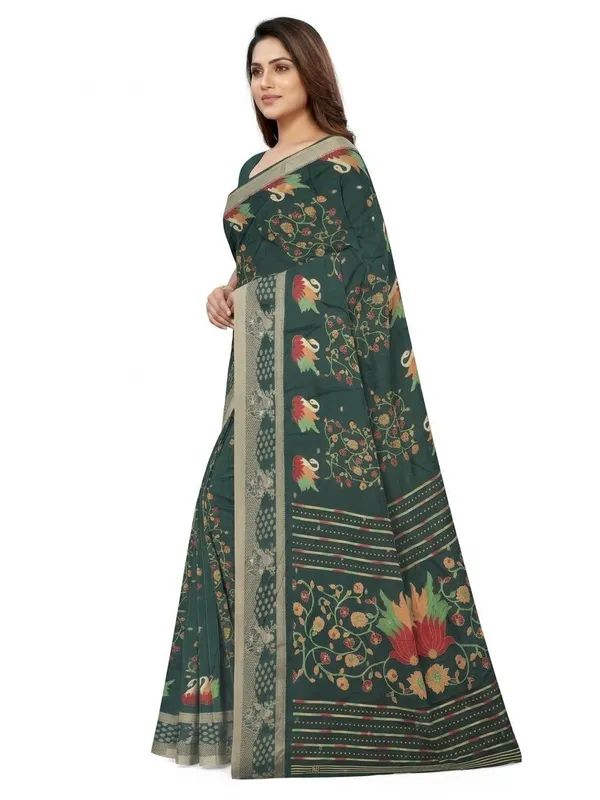
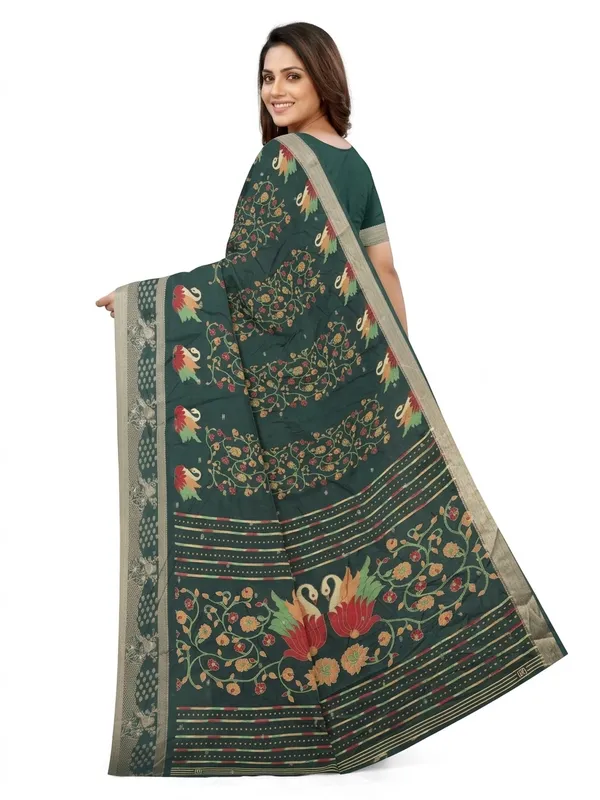
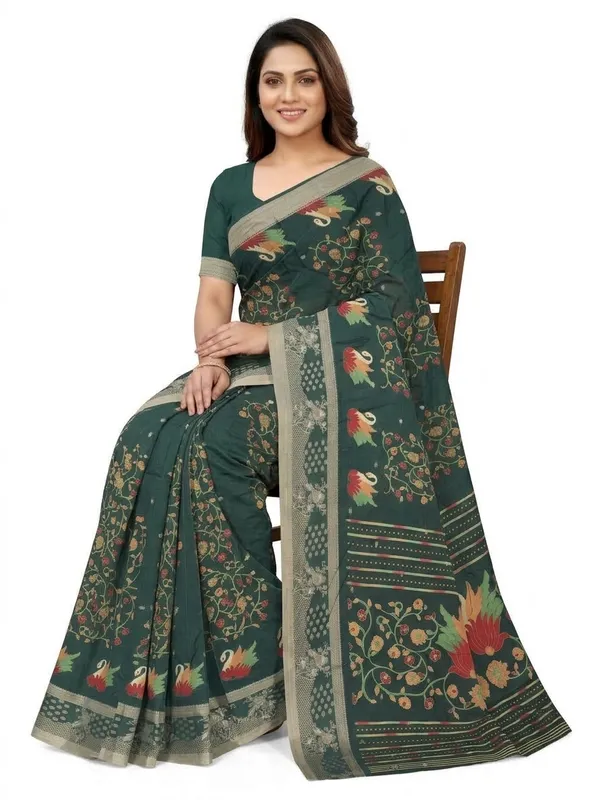
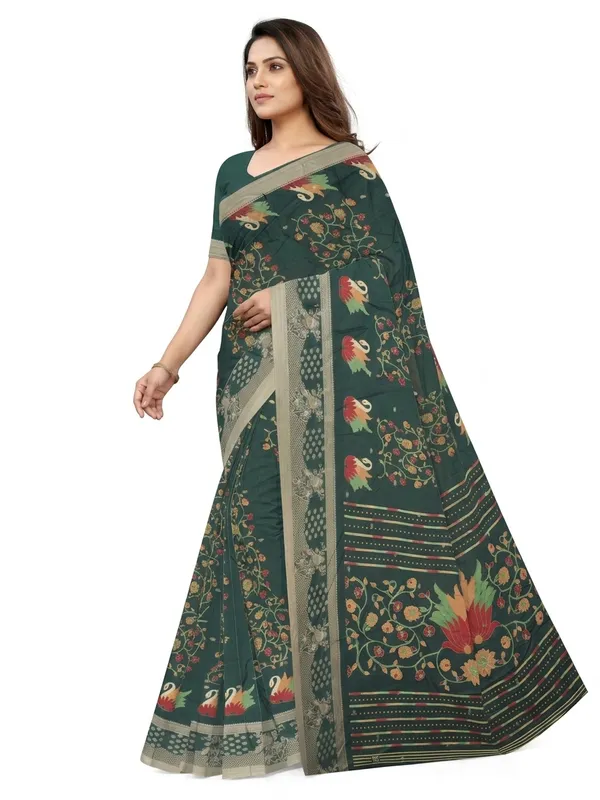
What SareeViz sets for Amazon
| Amazon preset | |
|---|---|
| Poses | Front Standing, Left Profile, Back View, Seated, Candid Stroll |
| Background | Pure White Studio |
| Model | Indian Model, or your own Model Image (innerwear: Indian Model only) |
| Output | 1500 x 2000, Portrait 3:4, JPEG (made at 2K; innerwear: 2K, square) |
| Credits | 7.5 per design (innerwear: 4.5, for front, side and back only) |
How to make it
- Upload your design in Upload Design (section 1)
- Open Marketplace (section 2) and pick Amazon
- Tick Tag for Amazon (AI model) in the same section, so the photos you download carry Amazon’s AI tag
- Tap Generate Images
The tag lives inside the file. Upload the downloaded file to Amazon as it is: saving it through your phone’s gallery or sending it over WhatsApp first can remove it.