Marketplace guide
Meesho image guidelines, and photos that follow them
What Meesho asks for in listing photos, and the full set SareeViz makes when you pick Meesho.
In short: Meesho asks for a clear front image in JPEG with no logo, watermark or props. It publishes no image size or background rule; the detailed spec sits inside the Supplier Panel, and live saree listings mix square, 4:5 and 2:3 photos.
What Meesho asks for
| Meesho | |
|---|---|
| Views | A clear front image first; more images recommended |
| Photos per product | At least 1 |
| Format | JPEG |
| Size | No published rule. The full image spec sits behind the Supplier Panel login |
| Logo, text and watermark | None |
| Props | No partial photos with props |
| Background and shape | No published rule; live saree listings mix square, 4:5 and 2:3 photos |
From Meesho’s seller guide for sarees on supplier.meesho.com. Its detailed image rules sit inside the Supplier Panel, behind a login.
Meesho sets no size but wants JPEG. To turn a PNG or WebP into a JPEG, or make the file smaller, use our free image resizer.
Before you upload to Meesho
- Quality Check. Meesho checks every catalogue before it goes live, and image link and image upload errors are among the reasons one fails. Upload clean JPEG files, which is what the preset makes.
- No logo or watermark. The preset leaves your Branding Details as you set them, so clear the brand logo, brand name and design number first.
- Why 1K. Meesho publishes no minimum size, so the preset stays at 1K (896 x 1200) at 1 credit a photo. More on Meesho listings: Meesho product photography.
The Meesho set SareeViz makes
One saree photo in, three photos out: the same model in every shot, on a light grey studio background.
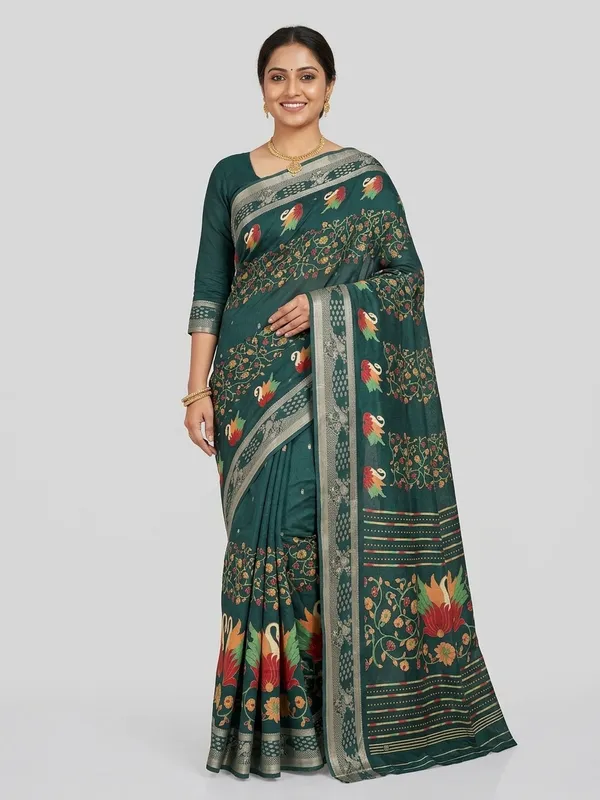
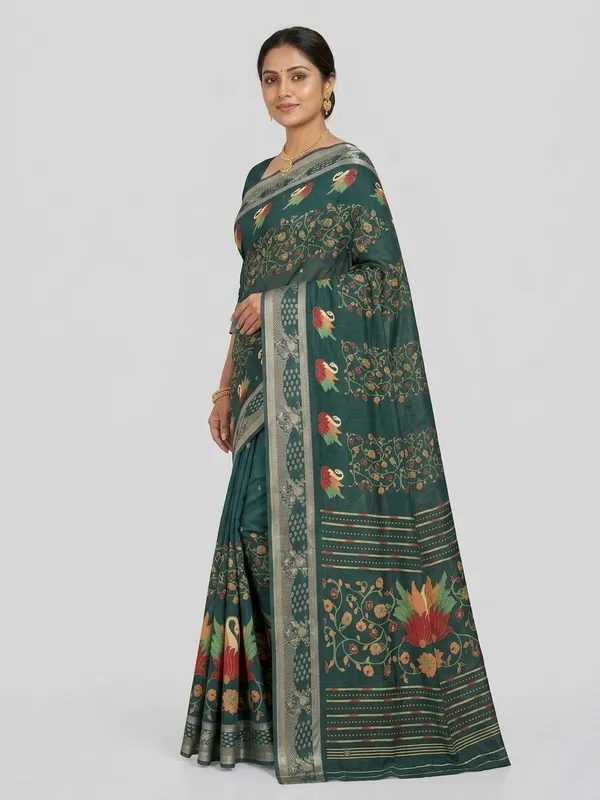
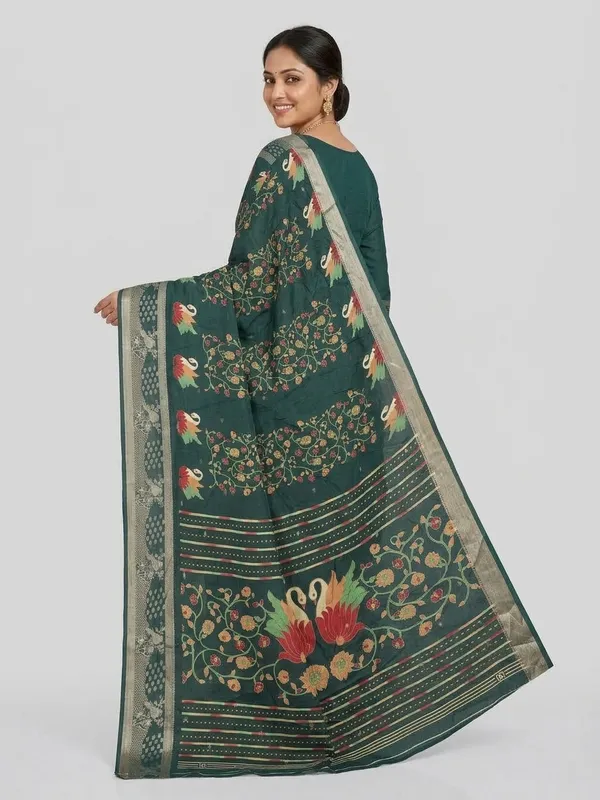
What SareeViz sets for Meesho
| Meesho preset | |
|---|---|
| Poses | Front Standing, Left Profile, Back View |
| Background | Light Grey Studio |
| Model | Indian Model, or your own Model Image (innerwear: Indian Model only) |
| Output | 1K, Portrait 3:4, JPEG |
| Credits | 3 per design |
How to make it
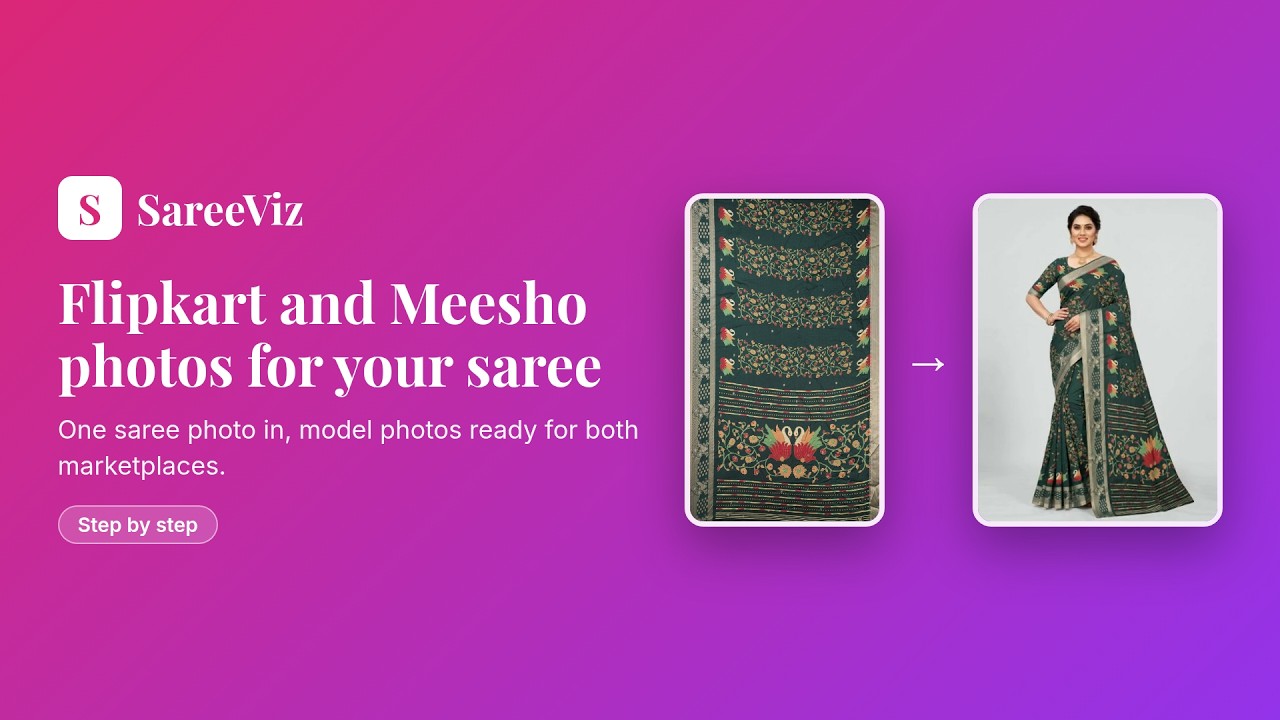
- Upload your design in Upload Design (section 1)
- Open Marketplace (section 2) and pick Meesho
- Tap Generate Images