Marketplace guide
Myntra image guidelines, and photos that follow them
What Myntra asks for in listing photos, and the full set SareeViz makes when you pick Myntra.
In short: Myntra listing photos must be at least 1080 x 1440 px, portrait 3:4, JPEG of 500 KB to 1 MB, on a light grey background, with front, side and back views and 5 to 7 photos per product.
What Myntra asks for
| Myntra | |
|---|---|
| Views | Front, side and back. Details such as embroidery go in their own photos, not as crops of another photo. |
| Photos per product | 5 to 7 |
| Background | Light grey with a soft shadow |
| Model | A well-fitted garment, with hands kept off the product |
| Lighting | Soft and even, so colours stay true |
| Garment | Ironed, with no creases or folds |
| Text or watermark | Not allowed |
| Size and format | At least 1080 x 1440 px, portrait 3:4, JPEG, 500 KB to 1 MB, 72 dpi or better |
From Myntra’s image guidelines as published in Fynd’s listing documentation. Myntra shows every listing photo at 1080 × 1440.
Photo the wrong size, or over 1 MB? Our free image resizer makes it 1080 x 1440 on light grey and under 1 MB, in your browser.
Size already right and only the file too big? The free compress image to 1 MB tool keeps the pixels and finds the highest quality that fits.
Photo on the wrong background? Our free white background tool cuts the garment out and puts it on white or light grey, also in your browser.
More on selling clothing on Myntra with these photos: Myntra photoshoot.
Three things that get a Myntra photo rejected
- Hands on the product. Myntra rejects photos where the hands cover the garment, which is why the preset leaves out poses like Namaste.
- Text or a watermark. The preset leaves your Branding Details as you set them, so clear the brand logo, brand name and design number before you generate for Myntra.
- Too small. A 1K 3:4 photo is 896 x 1200, under Myntra’s 1080 x 1440. The preset makes exactly 1080 x 1440 from a 2K photo, and keeps each file under 1 MB.
The Myntra set SareeViz makes
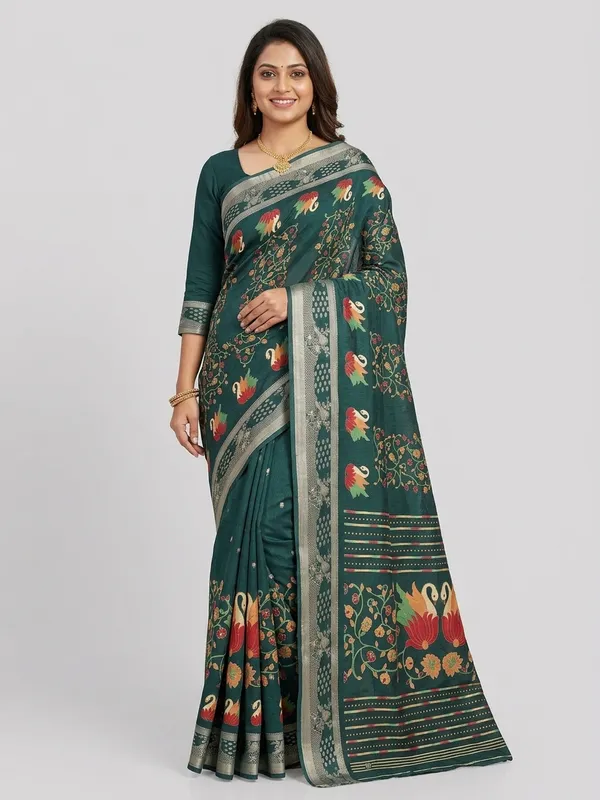
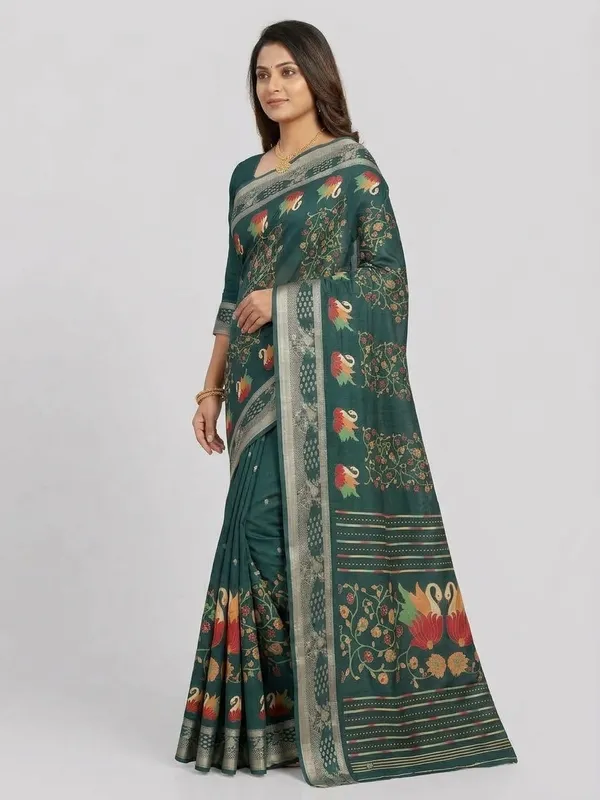
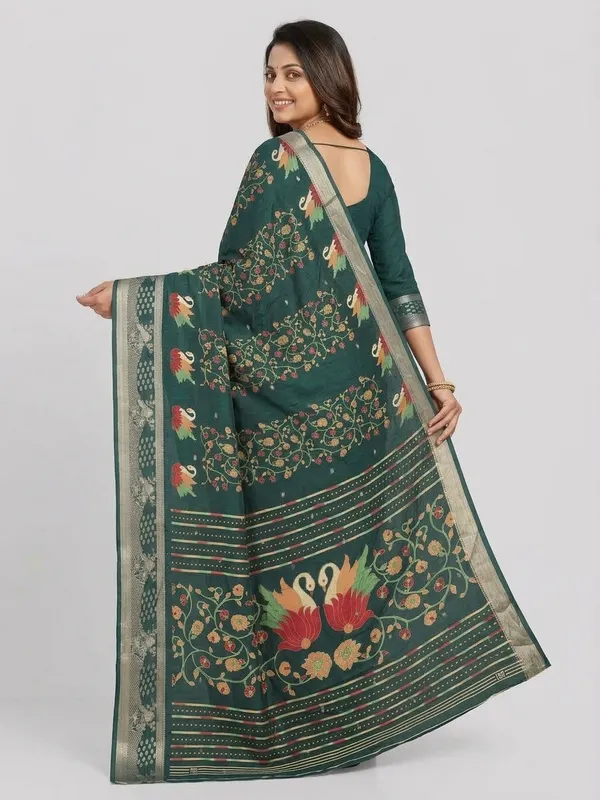
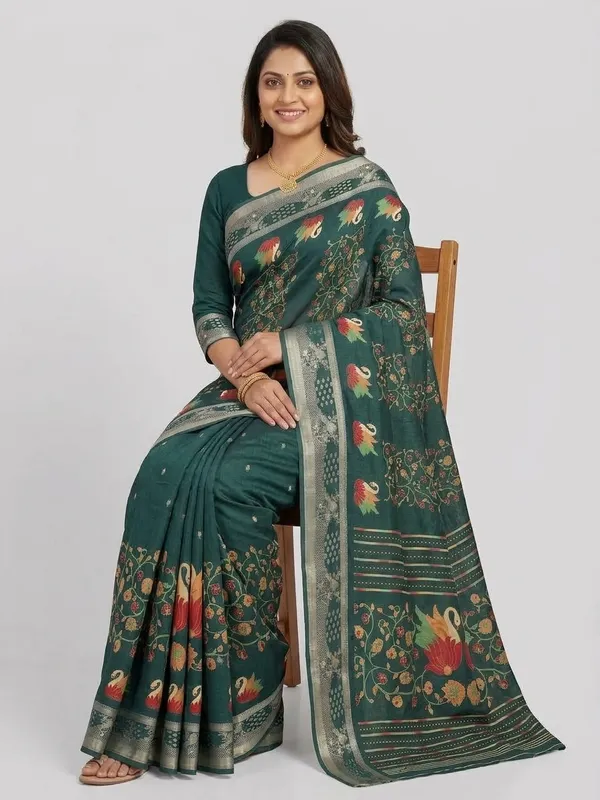
One saree photo in, five photos out: the same model in every shot, on a light grey studio background.
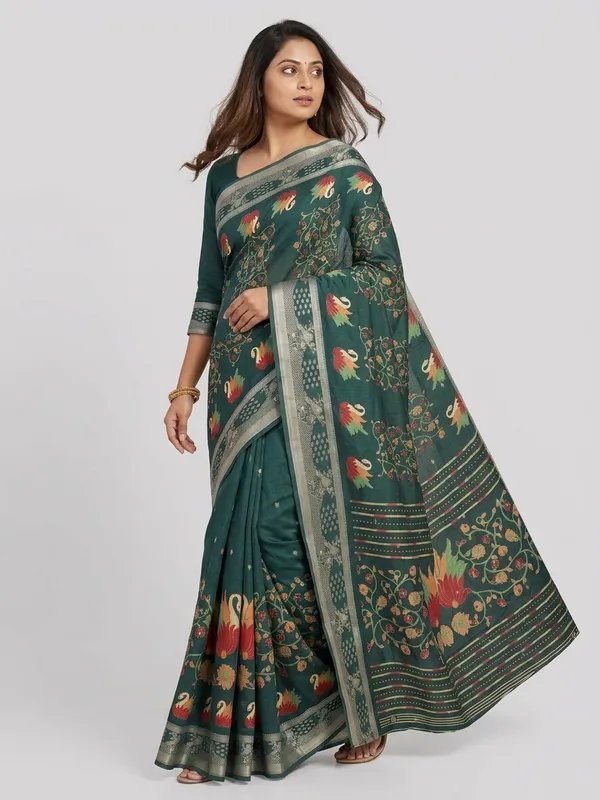
What SareeViz sets for Myntra
| Myntra preset | |
|---|---|
| Poses | Front Standing, Left Profile, Back View, Seated, Candid Stroll |
| Background | Light Grey Studio |
| Model | Indian Model, or your own Model Image (innerwear: Indian Model only) |
| Output | 1080 x 1440, Portrait 3:4, JPEG under 1 MB (made at 2K) |
| Credits | 7.5 per design (innerwear: 4.5, for front, side and back only) |
How to make it

- Upload your design in Upload Design (section 1)
- Open Marketplace (section 2) and pick Myntra
- Tap Generate Images